Escendo vs PostPlanner
Escendo is free with unlimited accounts and posts; PostPlanner costs $39/month for 10 accounts (Growth, 15 profiles, billed annually). Escendo is a free scheduler for short videos on TikTok, YouTube Shorts, Instagram, Facebook, LinkedIn, Bluesky, Tumblr and Mastodon, with no limit on accounts. Here's how it compares with PostPlanner, using only PostPlanner's own website, as of November 2026.
Updated November 2026
Side by side
Price
- Escendo
- Free.
- PostPlanner
- Starter $9, Growth $39, Business $69, Agency $119 per month billed annually ($14, $59, $99, $179 billed monthly).
Cost for 10 accounts
- Escendo
- $0
- PostPlanner
- $39/month (Growth, 15 profiles, billed annually)
Free plan
- Escendo
- Free. Unlimited accounts and posts. No card. Every feature included.
- PostPlanner
- Free forever plan: 1 social account, 1 user, 30 scheduled posts in the queue at a time, 12 posts per profile per day, 3 AI images a month. 7-day free trial with no card, then it moves to Free.
Accounts
- Escendo
- Unlimited, including many accounts per platform.
- PostPlanner
- Each connected profile, page or channel counts as one: 3 on Starter, 15 on Growth, 25 on Business, 50 on Agency. Scheduled posts: 150 on Starter, 1,500 on Growth, unlimited on Business. X and Pinterest need Growth or higher.
Platforms
- Escendo
- TikTok, YouTube Shorts, Instagram, Facebook, LinkedIn, Bluesky, Tumblr and Mastodon live. Threads and Pinterest coming soon.
- PostPlanner
- Short video: TikTok videos and shorts, YouTube videos and shorts, Instagram posts, reels, stories and carousels, Facebook posts, reels and stories. 10 networks in total. Also supports more social networks overall than Escendo.
Video features
- Escendo
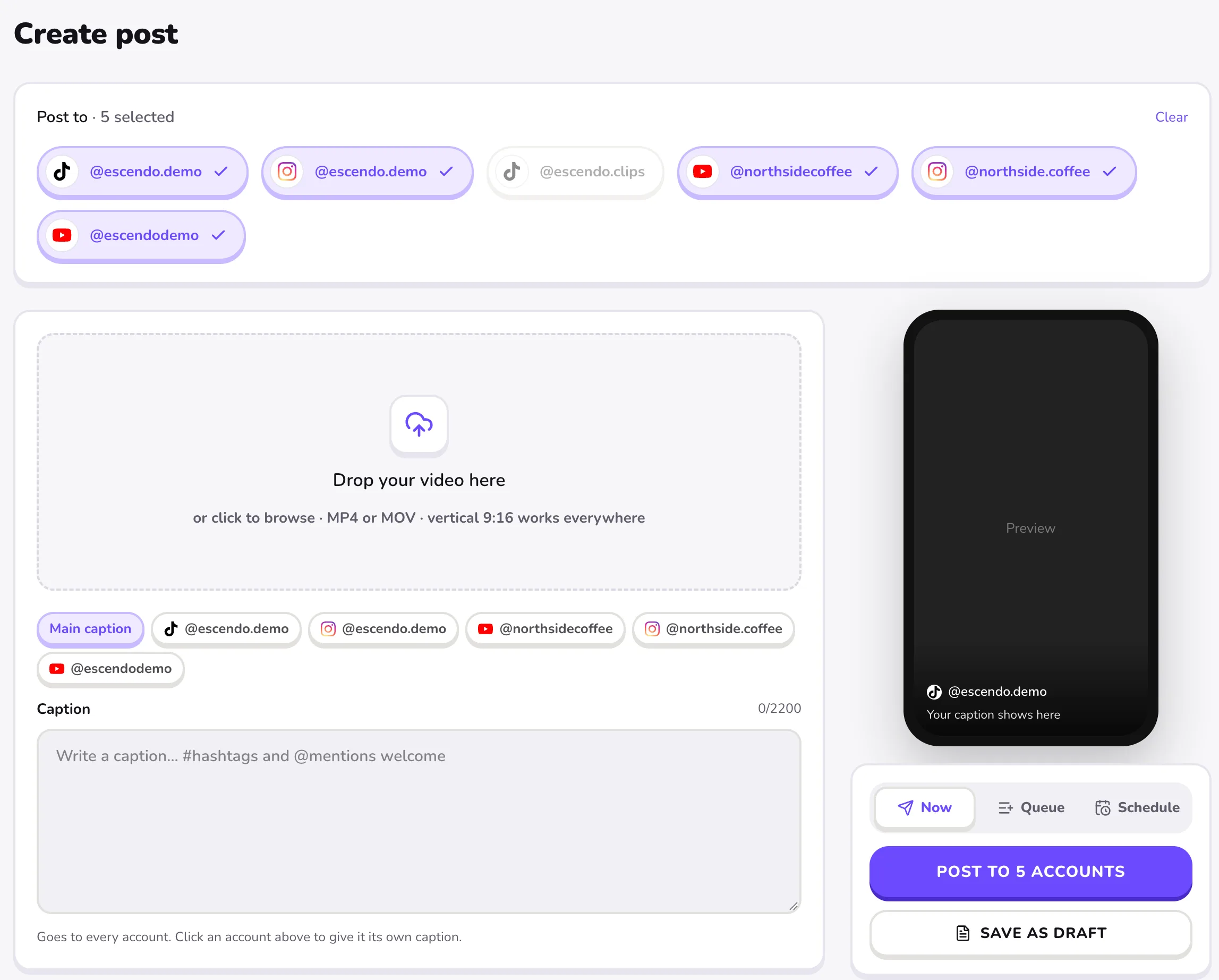
- Bulk upload (up to 50 videos), posting queue with weekly time slots, first comment (YouTube, Instagram, Facebook), caption snippets, per-account captions, cover frame picker, TikTok privacy, comment, duet, stitch and branded-content settings, send to TikTok inbox, YouTube title, visibility, tags, made-for-kids and AI disclosure, Instagram share to feed, per-post insights.
- PostPlanner
- Bulk upload, post recycling, viral content curation, AI captions and images, analytics.
PostPlanner facts as of November 2026, from: postplanner.com/pricing, postplanner.com/lp/free-social-media-scheduler. Prices change; check their page before deciding.
Pick Escendo if
- You post the same short video to many TikTok, YouTube, Instagram or Facebook accounts.
- You want unlimited accounts and posts without paying.
- You want bulk upload, a posting queue and first comments included.
- You want each platform's own settings, like TikTok privacy and YouTube visibility, per post.
- You want to finish TikTok posts in the app, for example to add a trending sound.
Pick PostPlanner if
- You need X, Pinterest, Threads or Google Business, which Escendo does not post to yet.
- You want to find viral content to reshare, which their viral content curation is for.
Questions
Is Escendo a free alternative to PostPlanner?
Yes. Escendo is free with unlimited accounts and posts for TikTok, YouTube Shorts, Instagram, Facebook, LinkedIn, Bluesky, Tumblr and Mastodon, with no card. PostPlanner: Starter $9, Growth $39, Business $69, Agency $119 per month billed annually ($14, $59, $99, $179 billed monthly). Free forever plan: 1 social account, 1 user, 30 scheduled posts in the queue at a time, 12 posts per profile per day, 3 AI images a month. 7-day free trial with no card, then it moves to Free.
Which short-form video platforms do Escendo and PostPlanner support?
Escendo publishes to TikTok, YouTube Shorts, Instagram, Facebook, LinkedIn, Bluesky, Tumblr and Mastodon today, with Threads and Pinterest coming soon. For short video, PostPlanner lists: TikTok videos and shorts, YouTube videos and shorts, Instagram posts, reels, stories and carousels, Facebook posts, reels and stories. 10 networks in total. Overall, PostPlanner supports more social networks than Escendo, so it is the better fit if you need networks Escendo does not cover yet.
What do 10 accounts cost on PostPlanner?
$39/month on PostPlanner (Growth, 15 profiles, billed annually), from their own page as of November 2026. On Escendo, 10 accounts cost $0.
How does PostPlanner count accounts?
Each connected profile, page or channel counts as one: 3 on Starter, 15 on Growth, 25 on Business, 50 on Agency. Scheduled posts: 150 on Starter, 1,500 on Growth, unlimited on Business. X and Pinterest need Growth or higher. Escendo has no account limit, including many accounts per platform.
When is PostPlanner the better pick?
You need X, Pinterest, Threads or Google Business, which Escendo does not post to yet. You want to find viral content to reshare, which their viral content curation is for.
Try Escendo free alongside PostPlanner. Free, with no limits.
- Free
- Unlimited accounts and posts
- No card