How to bulk upload TikTok videos
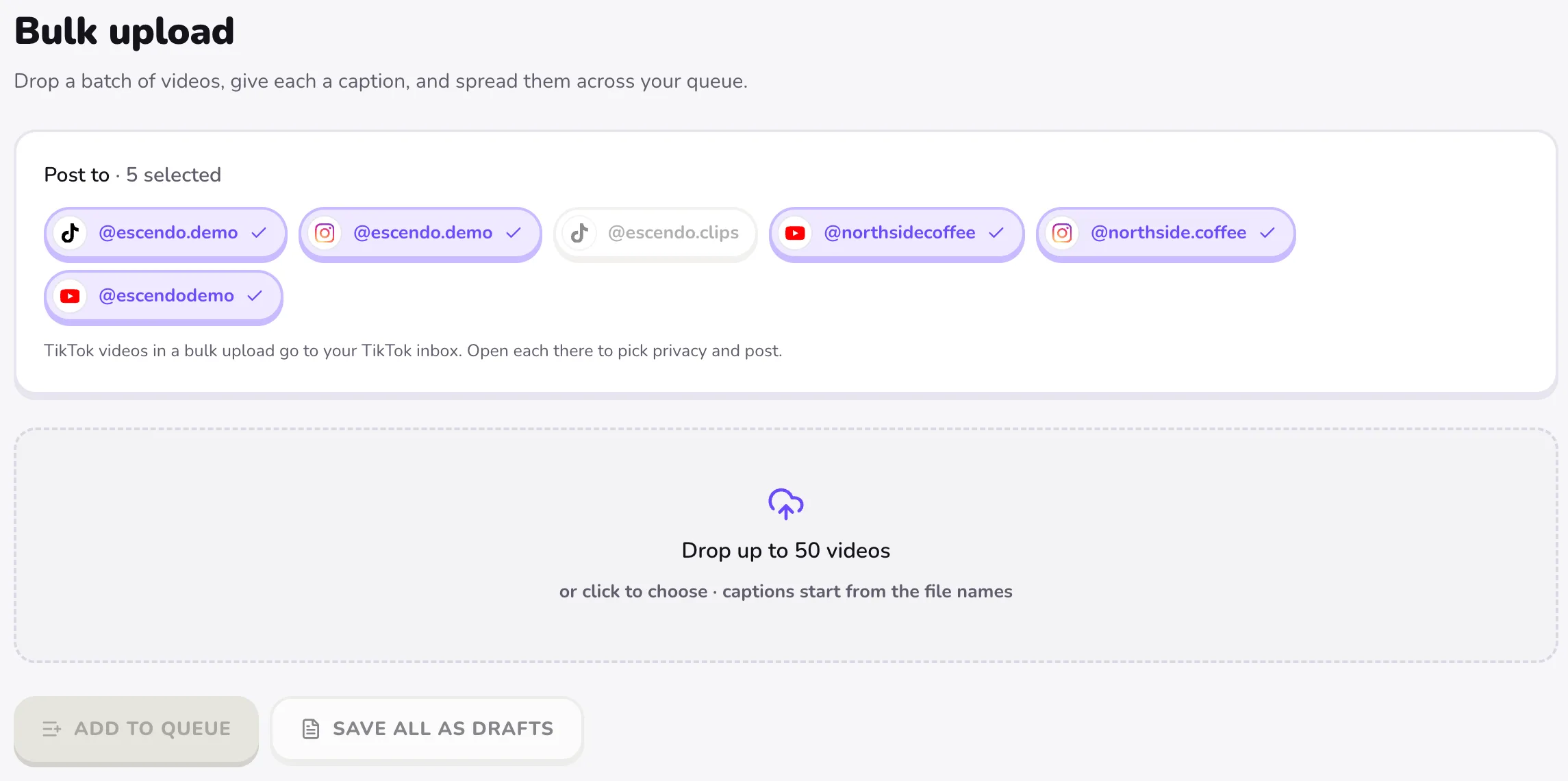
To bulk upload TikTok videos, drop up to 50 into Escendo's bulk upload page, pick your TikTok accounts and add them to your posting queue. Each video takes the next open time slot, and it's free.
Updated November 2026
How do you bulk upload TikTok videos?
- 1Connect your TikTok accountsIn Escendo, open Accounts and select Connect. Sign in with TikTok's own login for each account.
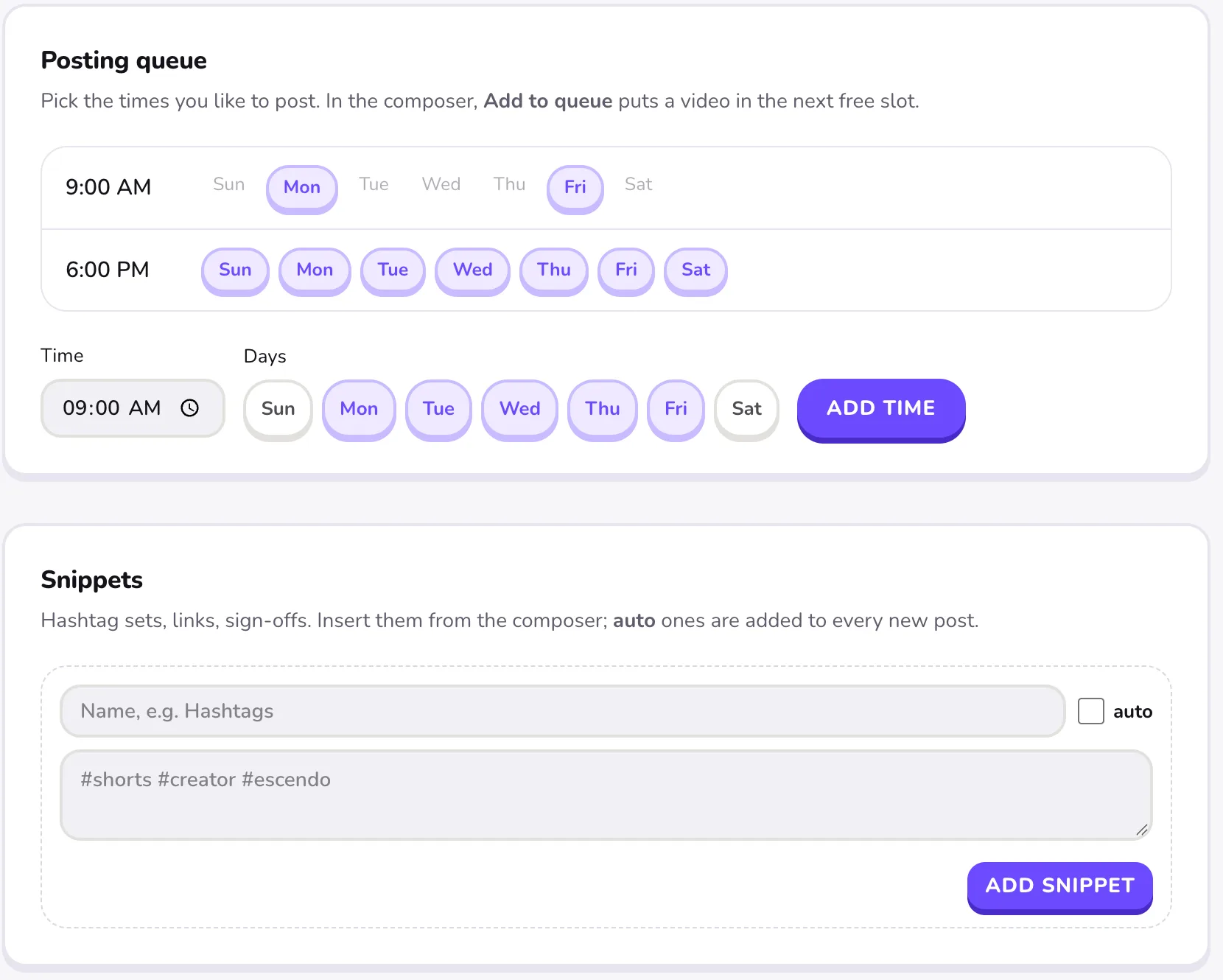
- 2Set your queue timesPick the days and times you like to post, for example 6pm every day.
- 3Open bulk uploadOn the bulk upload page, pick the TikTok accounts, plus any others, that should get the videos.
- 4Drop in your videosAdd up to 50 at once. Captions start from the file names, and you can edit them.
- 5Add them to the queueEach video fills the next open slot, or save them as drafts. Move any of them on the calendar.
- 6Finish in TikTokBulk uploads to TikTok go to your TikTok inbox, where you finish and post each one in the app.
How does the posting queue work?
You set your posting times once, for example 9am on Monday and Friday and 6pm every day. Every video you add goes into the next open slot, so a batch of 50 spreads itself out.
Running more than one account? Read how to manage multiple TikTok accounts, or how to schedule TikTok posts.
Questions
How many TikTok videos can I bulk upload at once?
Up to 50 at a time in Escendo, and you can do it again for the next batch.
Do bulk uploaded TikToks post on their own?
Bulk uploads to TikTok go to your TikTok inbox. You finish and post each one in the TikTok app, where you can add a sound.
Can I bulk upload to several TikTok accounts?
Yes. Pick any number of connected accounts on the bulk upload page, plus YouTube, Instagram and Facebook accounts.
Where do the captions come from?
They start from the file names, and you can edit them.
Is bulk upload free?
Yes. Escendo is free with unlimited accounts and posts, and no card.
Queue up your next batch. Free, with no limits.
- Free
- Unlimited accounts and posts
- No card