How to manage multiple TikTok accounts
To manage multiple TikTok accounts, connect each one once to a free scheduler like Escendo. Then you can post or schedule one video to any mix of them, with a caption per account, without logging in and out.
Updated November 2026
Why is it hard in TikTok itself?
TikTok Studio works one account at a time. Posting the same video to five accounts means five uploads and five captions, plus switching accounts in between.
How do you manage them all in one place?
- 1Connect every accountIn Escendo, open Accounts and select Connect. Sign in with TikTok's own login, then repeat for each account.
- 2Group them by brandPut accounts in projects, so each brand's accounts sit together.
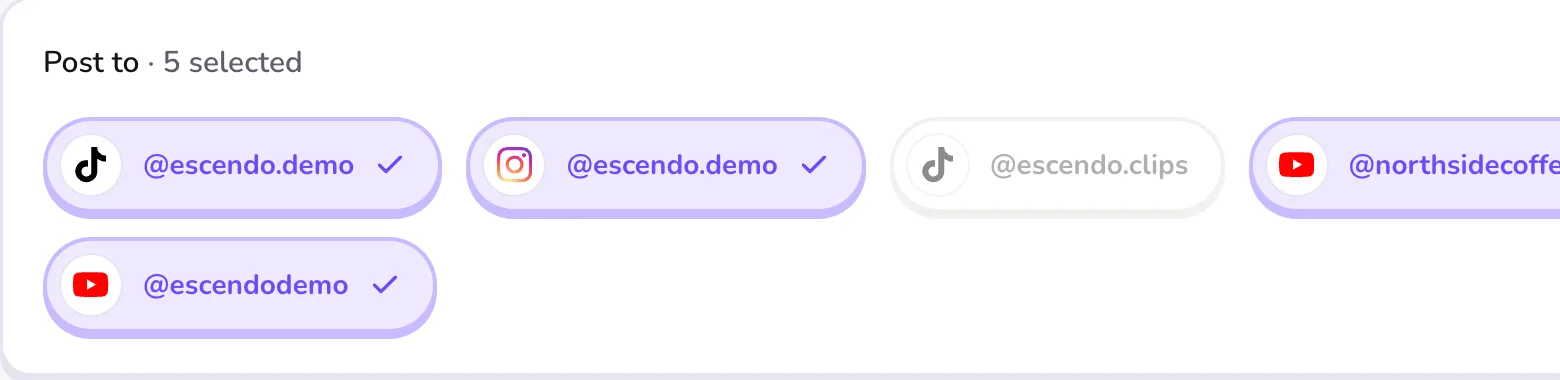
- 3Create a postSelect Create post, drop in the video and pick which TikTok accounts get it.
- 4Set captions and optionsOne caption for all, or one per account. Choose privacy, comments, duet and stitch, or send to TikTok inbox.
- 5Choose whenPick Now, Queue or Schedule. Every post shows on your calendar.
- 6Track each accountSee every post's status on the Posts page, and views, likes, comments, shares and followers in Insights.
Have a batch of videos? Read how to bulk upload TikTok videos, or see the TikTok scheduler.
Questions
How many TikTok accounts can I manage in Escendo?
As many as you run. Escendo is free with unlimited accounts and posts, and no card.
Do I have to log in and out of each TikTok account?
No. Connect each account once with TikTok's own login, then pick any of them when you create a post.
Can I post the same video to several TikTok accounts?
Yes. Pick any mix of accounts for one post, each with its own caption if you want. TikTok Studio works one account at a time.
Can I keep different brands apart?
Yes. Projects group accounts by brand, so each brand's accounts sit together.
Can I see how each account is doing?
Yes. Insights shows views, likes, comments, shares and followers for your accounts.
Bring all your TikTok accounts together. Free, with no limits.
- Free
- Unlimited accounts and posts
- No card